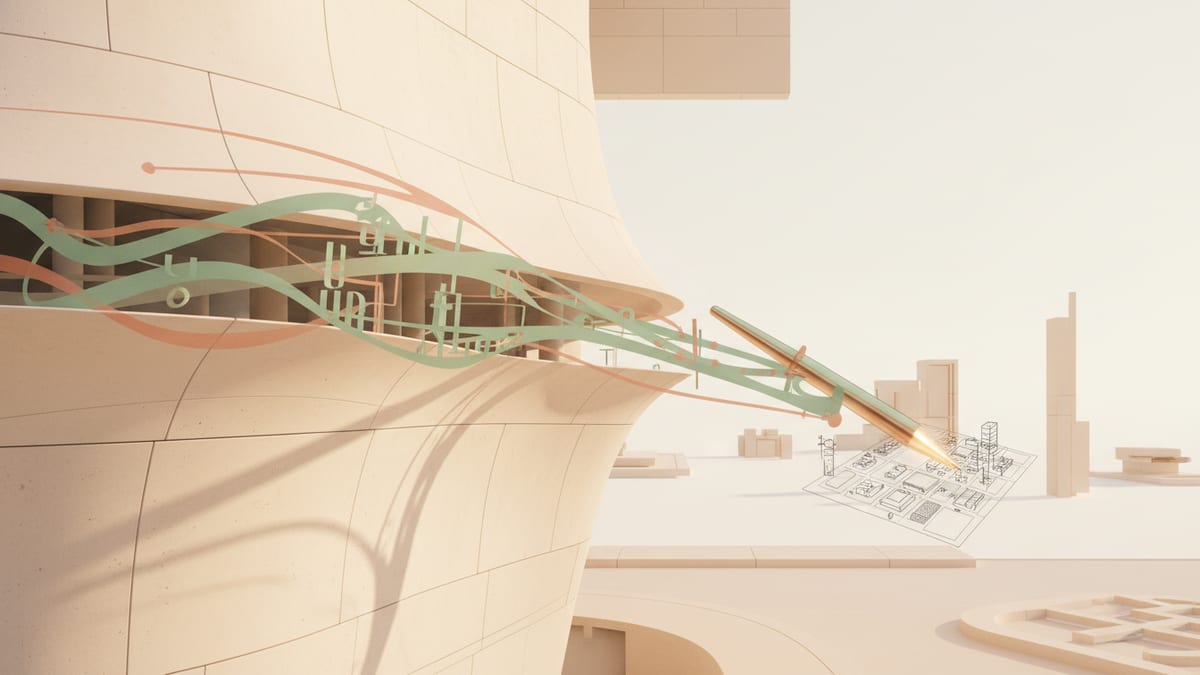
Architecture has always been shaped by its tools. The pencil didn’t just make drawings easier—it changed how designers thought. CAD didn’t just speed up documentation—it rewired workflows, coordination, and precision. BIM didn’t just add “information”—it made architecture collaborative at a different scale.
AI is doing the same thing, but faster. And the most interesting part isn’t that AI can generate images. It’s that AI is starting to compress the messy middle of architecture—the weeks of iteration, the coordination headaches, the diagram grind—into workflows that feel closer to “designing” and less like “wrestling software.”
This blog is about what AI is actually doing to architecture right now, what it’s not doing, and how students and firms can use it without losing the craft.
1) The Real Shift: AI Isn’t Replacing Design — It’s Replacing Friction
Most people first meet “AI in architecture” through renders. Type a prompt, get a pretty image. That’s fun, but it’s not the revolution.
The real shift is AI becoming a workflow compressor:
you describe intent,
you get structured options,
you iterate quickly,
you export real deliverables.
That means less time stuck, less time redoing work in different tools, and more time making actual design decisions.
The future isn’t “one AI render that looks cool.” It’s an integrated pipeline that moves from program and constraints → layout → massing → visualization → documentation support with fewer gaps.
2) Where AI Already Helps (and It’s Not the Glamorous Stuff)
A) Early massing and option generation
AI is extremely good at producing multiple plausible directions quickly. Not perfect directions—plausible ones. That matters because early design is mostly about exploring the space of possibilities.
B) Diagram production (the thing students hate)
Sun paths, circulation overlays, zoning diagrams, core logic diagrams—these are essential, but they’re also time sinks. AI can generate “first-pass diagrams” that students can refine, and that firms can use as quick internal checks.
C) Multi-floor coordination and stacking logic
One of the biggest pain points in real practice is vertical coordination: aligning cores, shafts, stairs, egress, and service zones across floors. AI-assisted coordination here is genuinely valuable because it targets rework, not creativity.
D) Code pre-checks (with caveats)
AI can flag potential issues: egress widths, travel distances, ADA clearances, occupant loads—especially when you provide the right context. It won’t replace professionals or AHJ review, but it can become a fast “early warning system.”
3) What AI Still Can’t Do (and Why That’s Fine)
AI doesn’t “understand” architecture the way architects do—meaning it doesn’t live in the world of lived experience, ethics, politics, budgets, clients, and construction risk. It doesn’t walk through a building. It doesn’t carry responsibility.
AI can generate form and logic patterns. But:
it struggles with deep context (real site constraints, community politics, nuanced codes),
it can hallucinate details,
it can produce plausible-looking nonsense.
That’s not a reason to ignore AI. It’s a reason to use it correctly: AI is a co-pilot, not a principal.
4) The Skill That Will Matter Most: “Prompting” Is Not the Point — Directing Is
There’s a myth that the future belongs to whoever can write clever prompts. That’s short-term.
The real skill is direction:
knowing what to ask,
knowing what to keep,
knowing what to reject,
knowing how to iterate toward a coherent concept.
Great architects already do this—AI just makes the iteration loop faster.
If you’re a student, the advantage isn’t “AI will do my project.” The advantage is: you can test 10 ideas instead of 2, and spend your time refining instead of starting from zero.
If you’re a firm, the advantage isn’t “AI will replace staff.” The advantage is: your team spends more time on decisions and less time on rework.
5) The New Workflow: From “Software Stack” to “Single Pipeline”
A huge reason architects feel burned out is software fragmentation:
one tool for plans,
one for modeling,
one for rendering,
one for diagrams,
one for parametrics,
another for coordination.
AI-native platforms are pushing toward the opposite: one workflow where outputs connect.
This matters because architecture is already hard. The tools shouldn’t make it harder.
6) What This Means for Students (The Honest Truth)
AI is going to change studio culture. Not because professors will suddenly love AI, but because students who use it well will:
iterate faster,
produce cleaner boards,
generate more complete packages (plans + sections + diagrams + visuals),
spend less time stuck.
The danger is obvious too: using AI to skip thinking. That creates shallow work.
The win is using AI to accelerate thinking. That creates better architects.
If you use AI like a shortcut, you’ll get exposed in crit.
If you use AI like a multiplier, you’ll level up.
Design it with SoftArch
Turn an idea into floor plans, 3D building models, and photoreal renders in minutes. Start free today.
Create your free account